GetHandy is on your app store.
GetHandy is live on both stores. Same build you've been testing — post a job, compare quotes, book the one you like.
iPhone
Out nowThe beta is over on iPhone — GetHandy is on the App Store. You no longer need TestFlight, and you no longer need an invite.

GetHandy
Cheif Labs Inc.
Free to install · App Store
- 1
Install it from the App Store
The public listing. Running the TestFlight build? The App Store version takes over that same app — you keep your account and you keep your jobs.
- 2
Sign in or create an account
About a minute. The same account works in your browser at app.gethandy.app, so you are not signing up twice.


Opens the App Store listing.
Android
Out nowThe beta is over on Android — GetHandy is on Google Play. No tester list, no invite from us, nothing to request. It installs like any other app.
GetHandy
Cheif Labs Inc.
Free to install · Google Play
- 1
Install it from Google Play
The public listing, not the old 100-seat internal test. Already on that list? Play just updates you to this one — there is nothing to uninstall.
- 2
Sign in or create an account
About a minute. The same account works in your browser at app.gethandy.app, so you are not signing up twice.


Opens the Google Play listing.
Once you're in, try both sides.
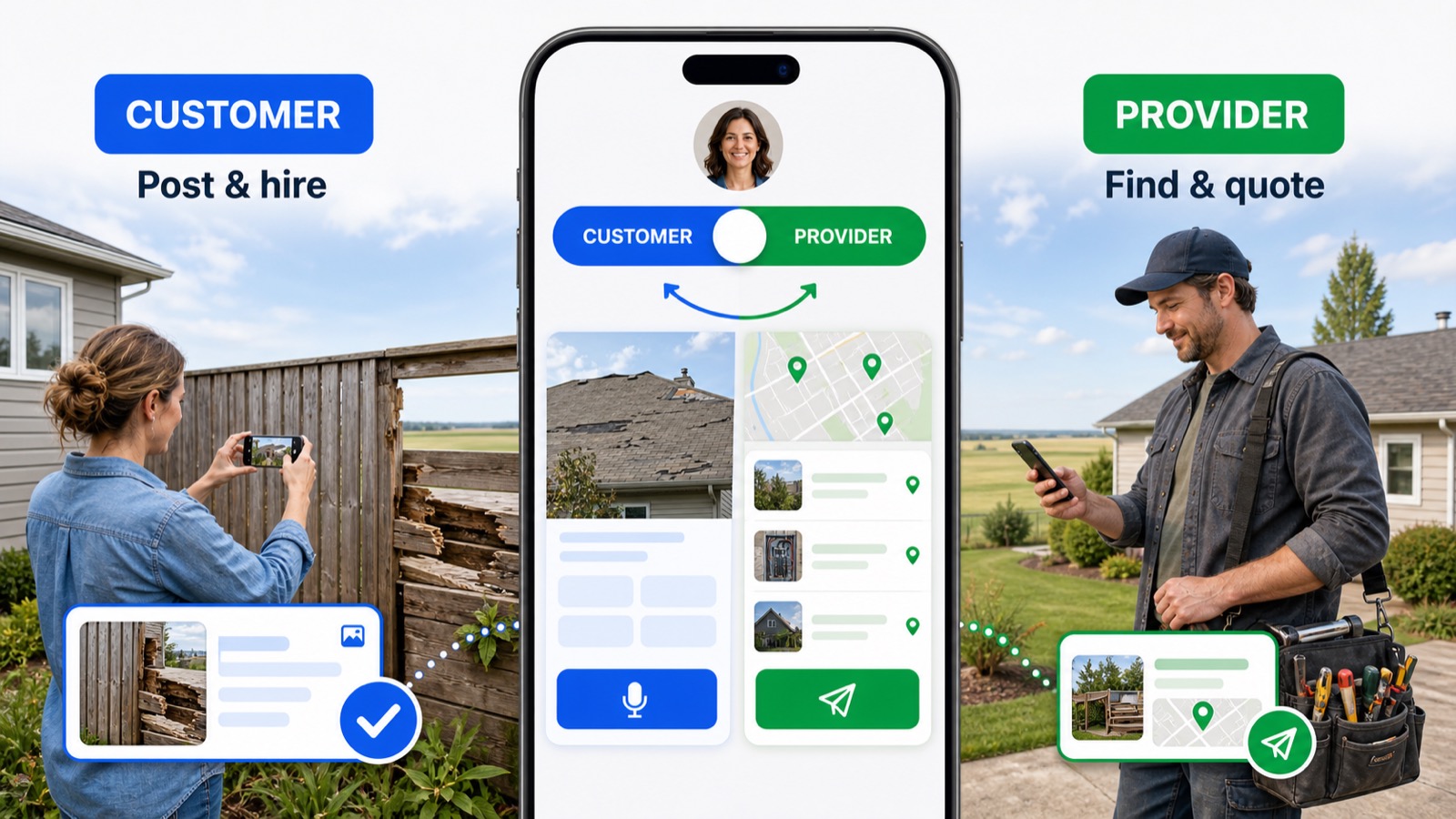
GetHandy is one app with two halves. The same account can post a job on Monday and quote someone else's on Tuesday — you switch modes, you don't sign up twice.
As a customer
- 1
Post a job — describe it out loud with the mic, or type it.
- 2
Add a photo of the thing that needs doing.
- 3
Watch the quotes come in and open one to see the all-in price.
As a provider
- 1
Sign up, then tap Apply to be a Provider on the home screen.
- 2
Fill in the application — it takes about five minutes.
- 3
Browse the jobs posted nearby and send a price on one.
Making an account is step one. This is step two.
Sign up or log in like anyone else, then scroll the home screen to Apply to be a Provider. That opens the application — about five minutes — and once you're approved the jobs posted near you show up in your feed.
No lead fees, no bidding wars, and you keep 100% of the price you quote.
A few honest notes
- It's the real thing. Real jobs, real quotes, real payments. Don't book anything you don't actually want done.
- We're Saskatchewan-first. Post from anywhere, but the providers are here for now.
- Tell us what broke. Email hello@gethandy.app — that's a person, and they read every one.
Don't want to install anything? The full app runs in your browser, or look inside it first.
See every way to get GetHandy — both stores and the browser, ranked.