This is what GetHandy looks like.
Describe a job, get one all-in quote from each local pro who wants it, and book the one you like.
GetHandy is out on the App Store and Google Play. Install it on your phone, or open it right now in any browser at app.gethandy.app — same jobs, same quotes, nothing to install.


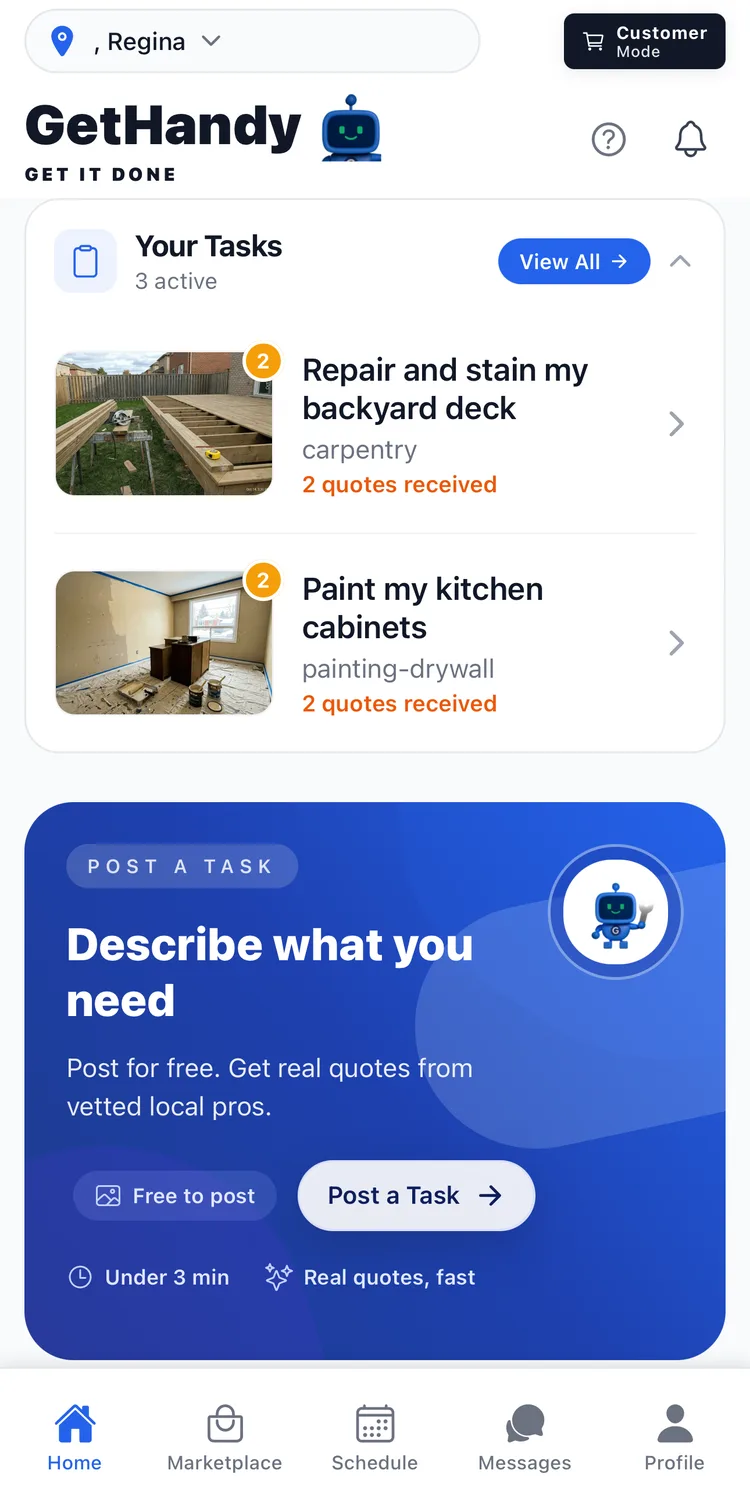
From posting a job to getting paid.
Real screens out of the app, in the order a job actually happens — the customer's side first, then the pro's. This is the main run of each, not a tour of everything; there is more in there than fits on a page. The names, jobs and prices in the shots are demo accounts we use for captures, not real customers.
If you’re hiring
Post it, see what comes back, book the one you like.
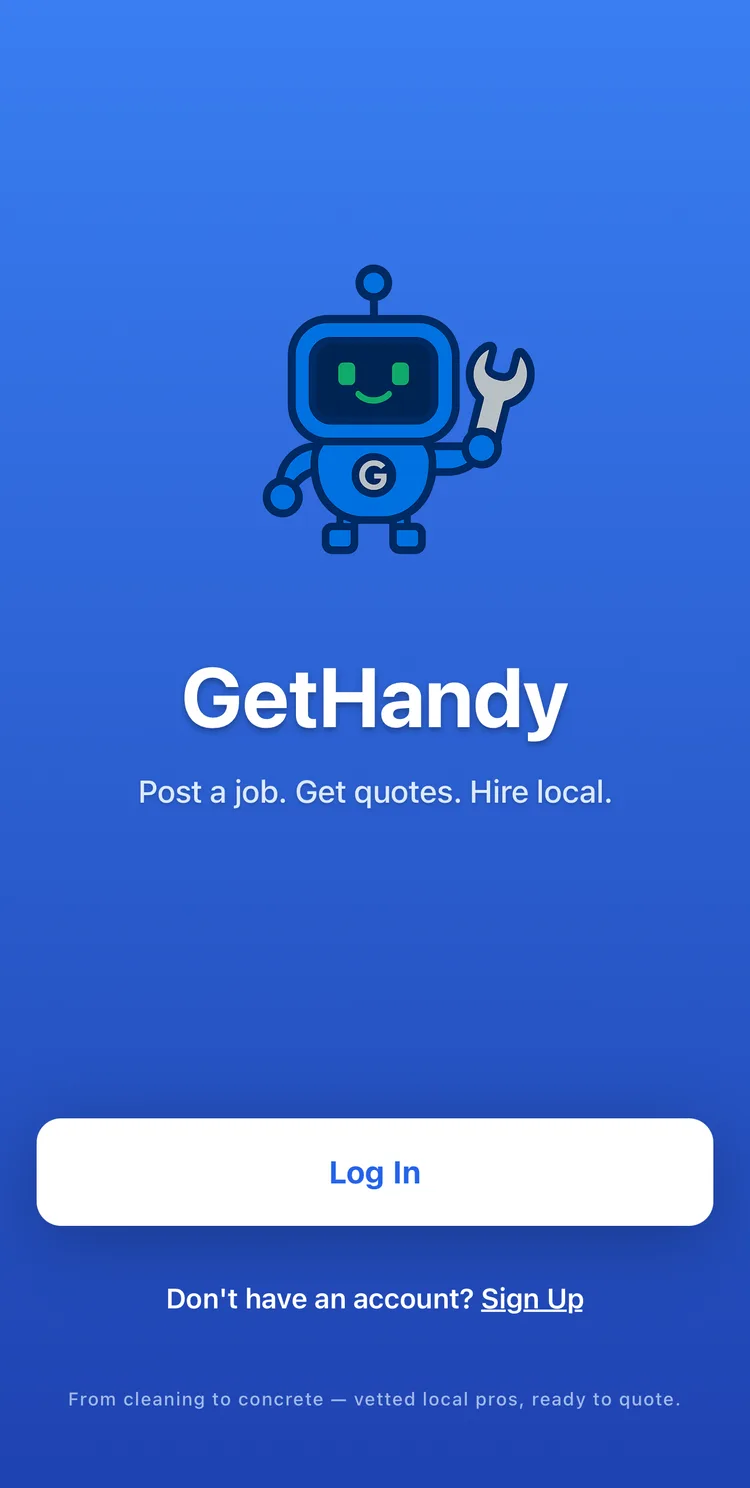
Free to start
Post a job, get quotes, hire local. No subscription and no fee to post.
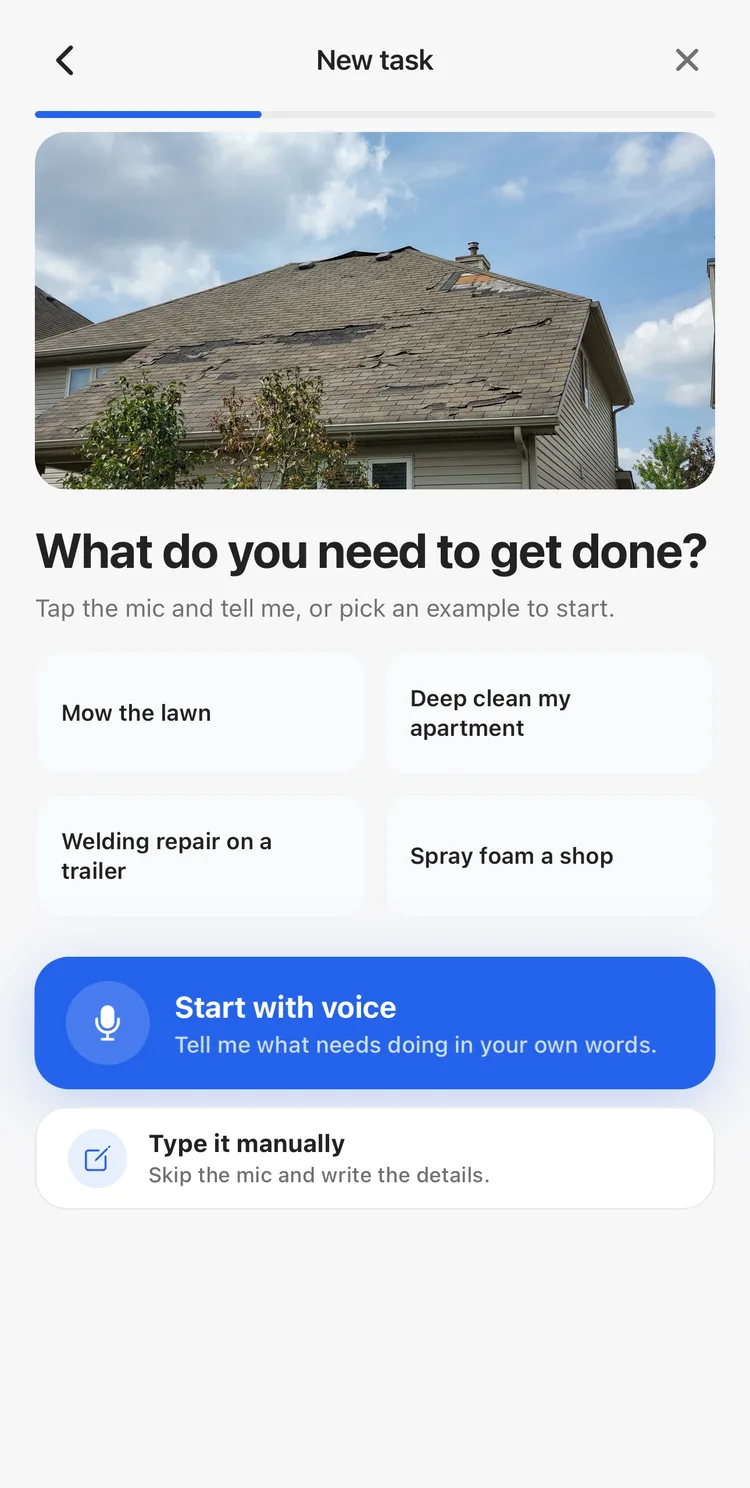
Say it out loud
Tap the mic and describe the work in your own words, or type it yourself.
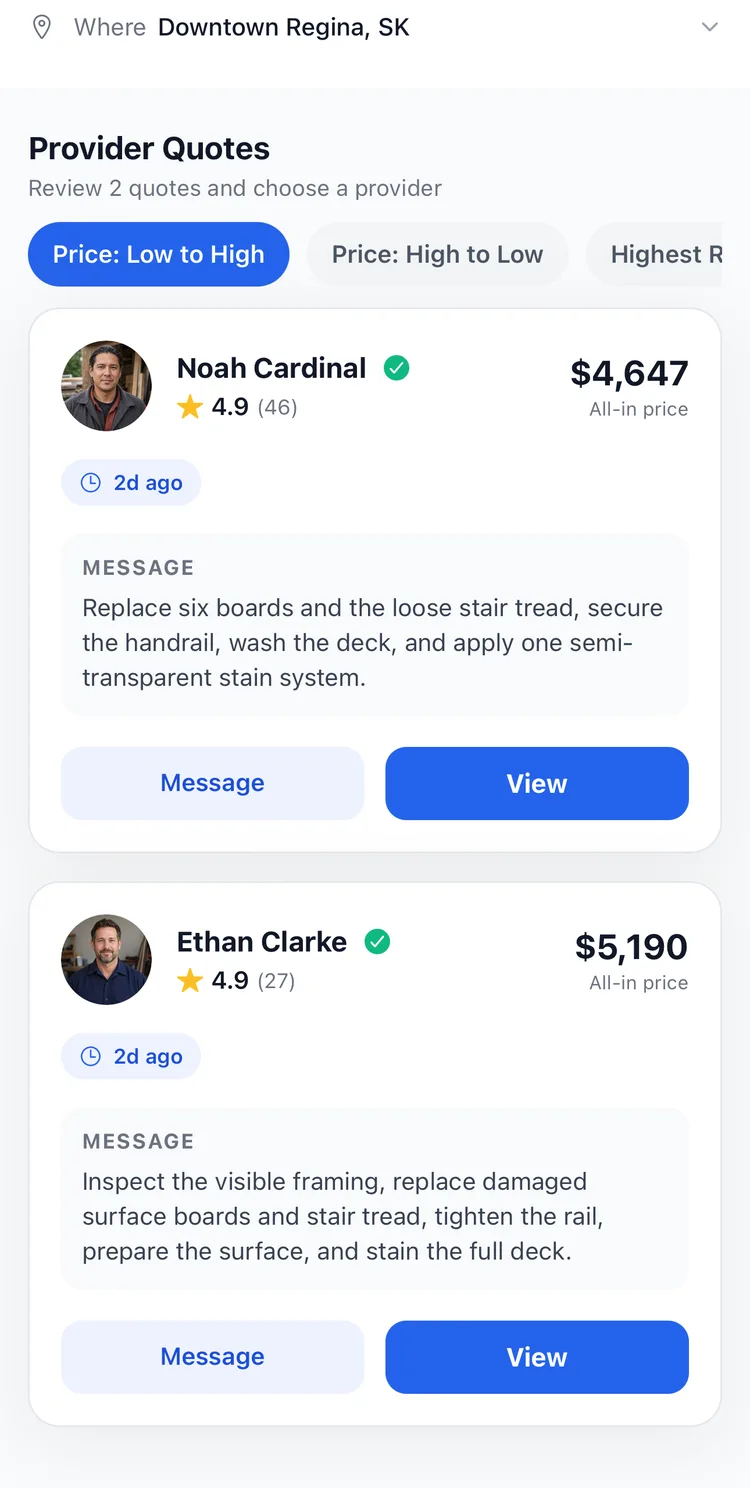
One price each, side by side
Every pro who wants the job sends one all-in price, with their rating and reviews.
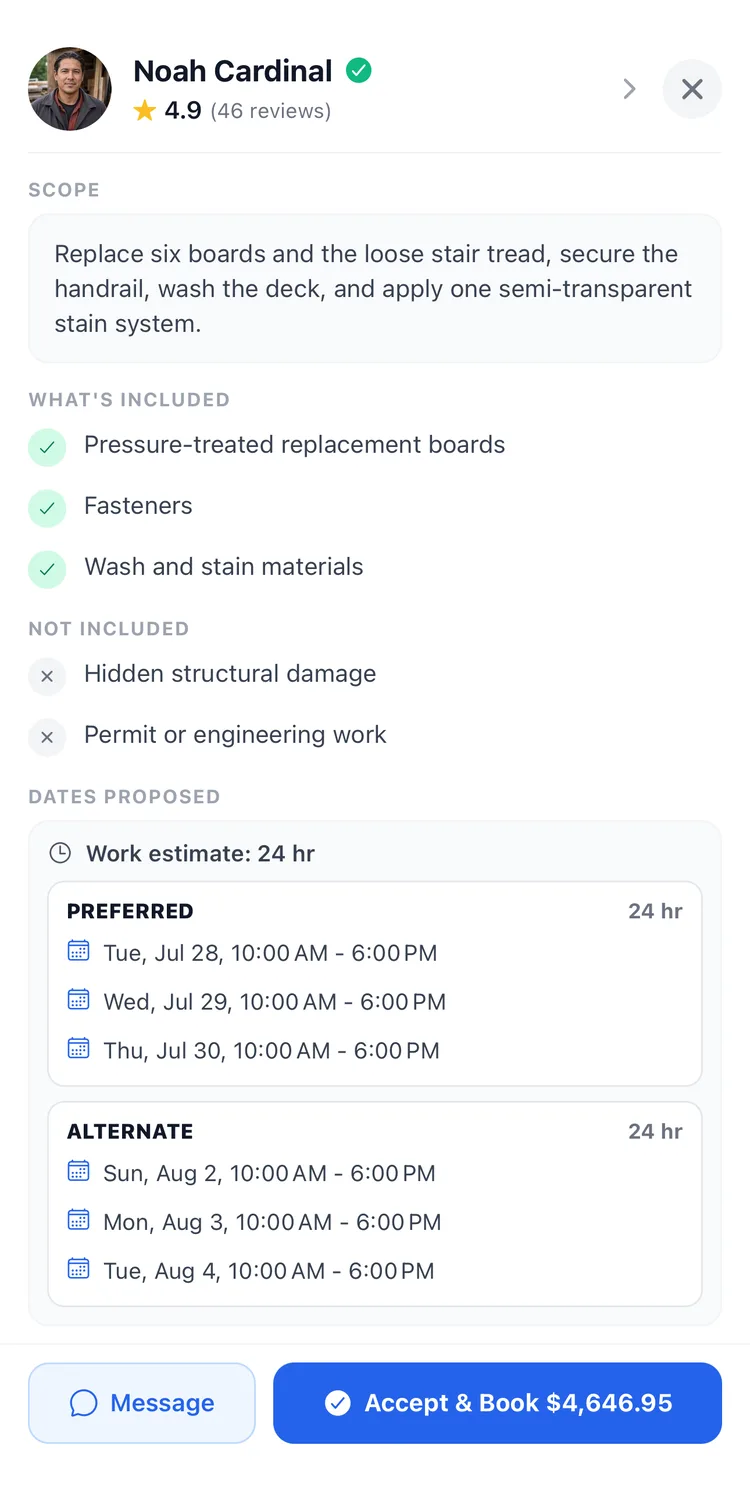
See exactly what’s included
The scope, the materials, what isn’t covered, and the dates the pro can do it.
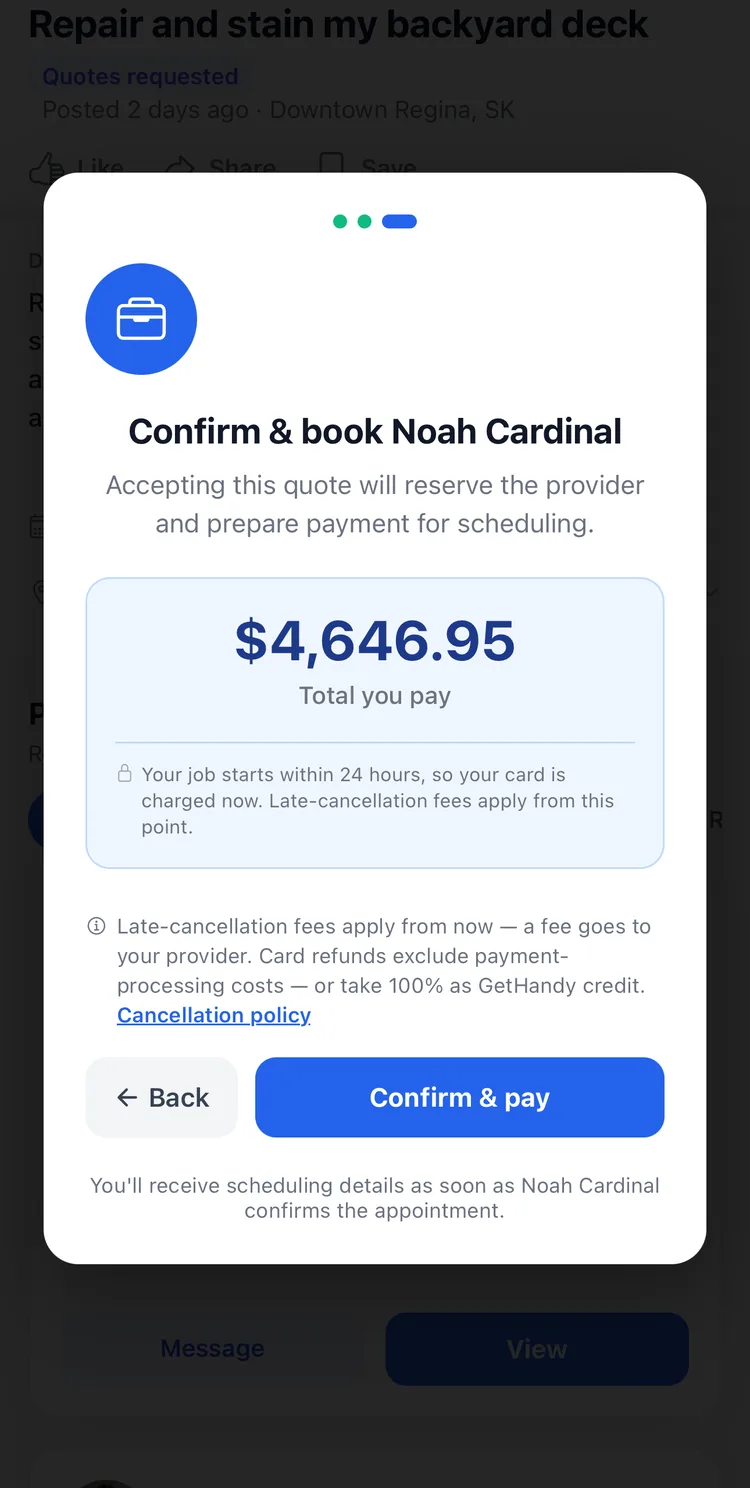
One number, then book
The total you pay, spelled out before you confirm. Payment and receipts are built in.
Every job in one place
Your active jobs, how many quotes each one has, and what needs your attention.
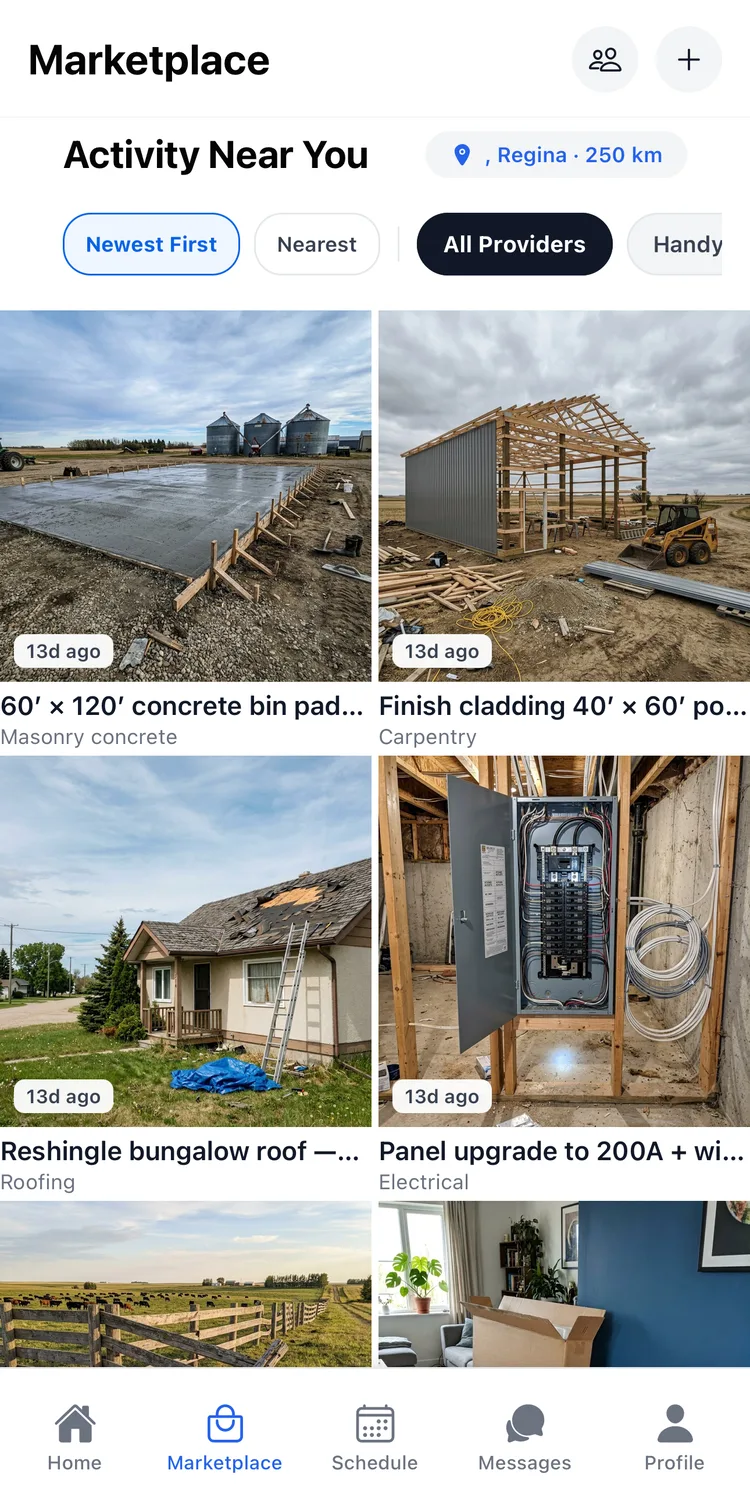
See work happening nearby
The marketplace feed — jobs posted around you, with photos, so you can see what your neighbours need done.
Swipe to see all 7 screens.
If you’re the one working
Find it, price it, do it, get paid.
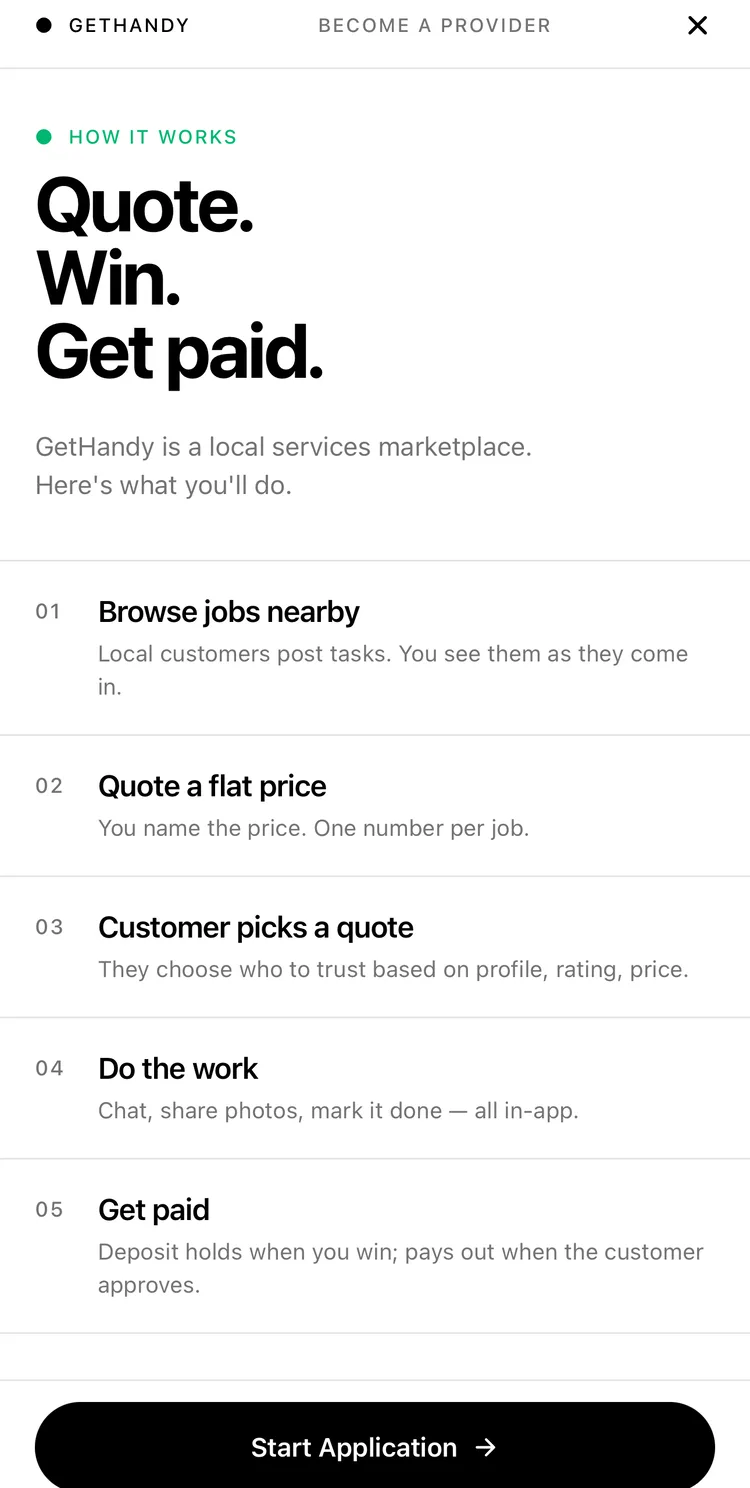
What you’re signing up for
The five steps, laid out in the app before you apply. No signup fee, no cut off your quote.
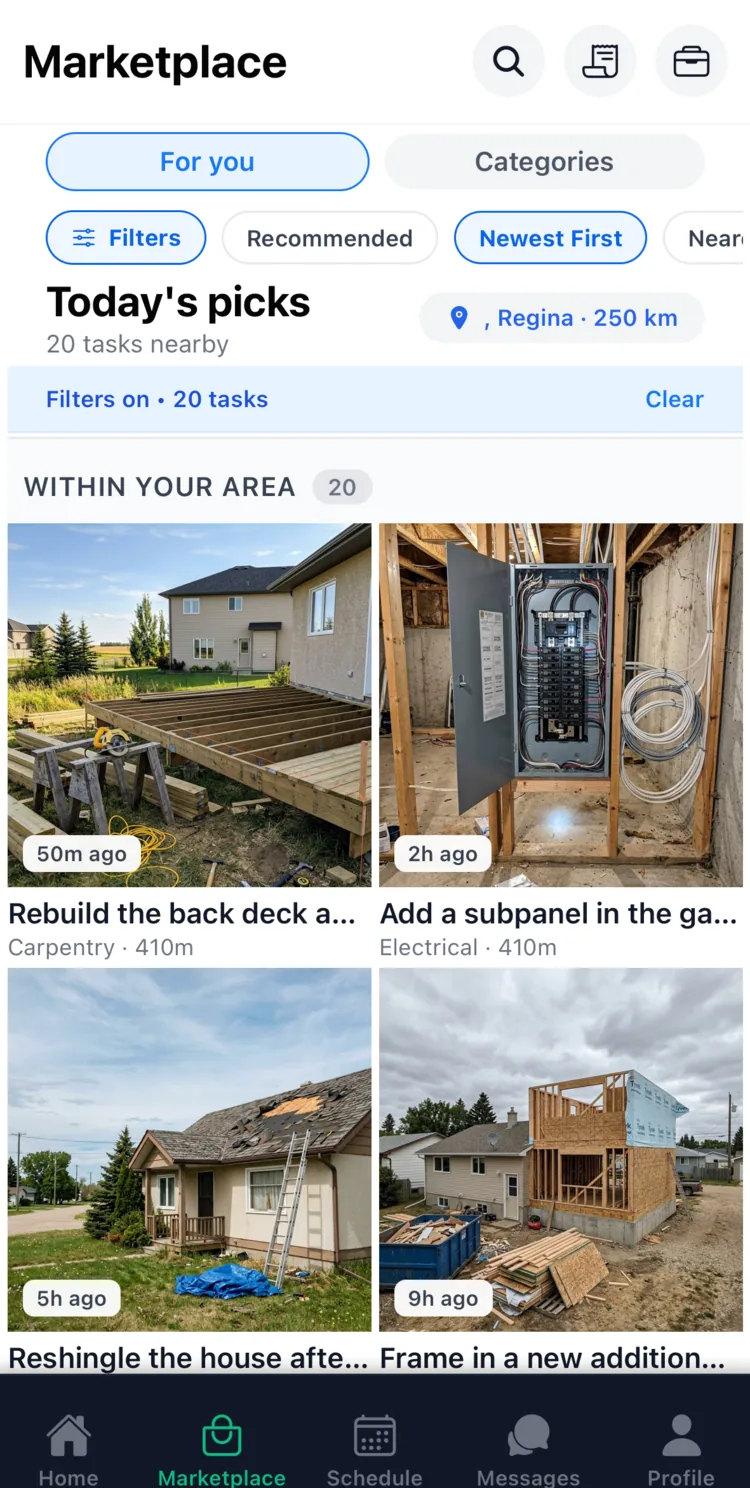
Jobs land in your feed
Work posted around you as it comes in, with photos, category and distance on each one.
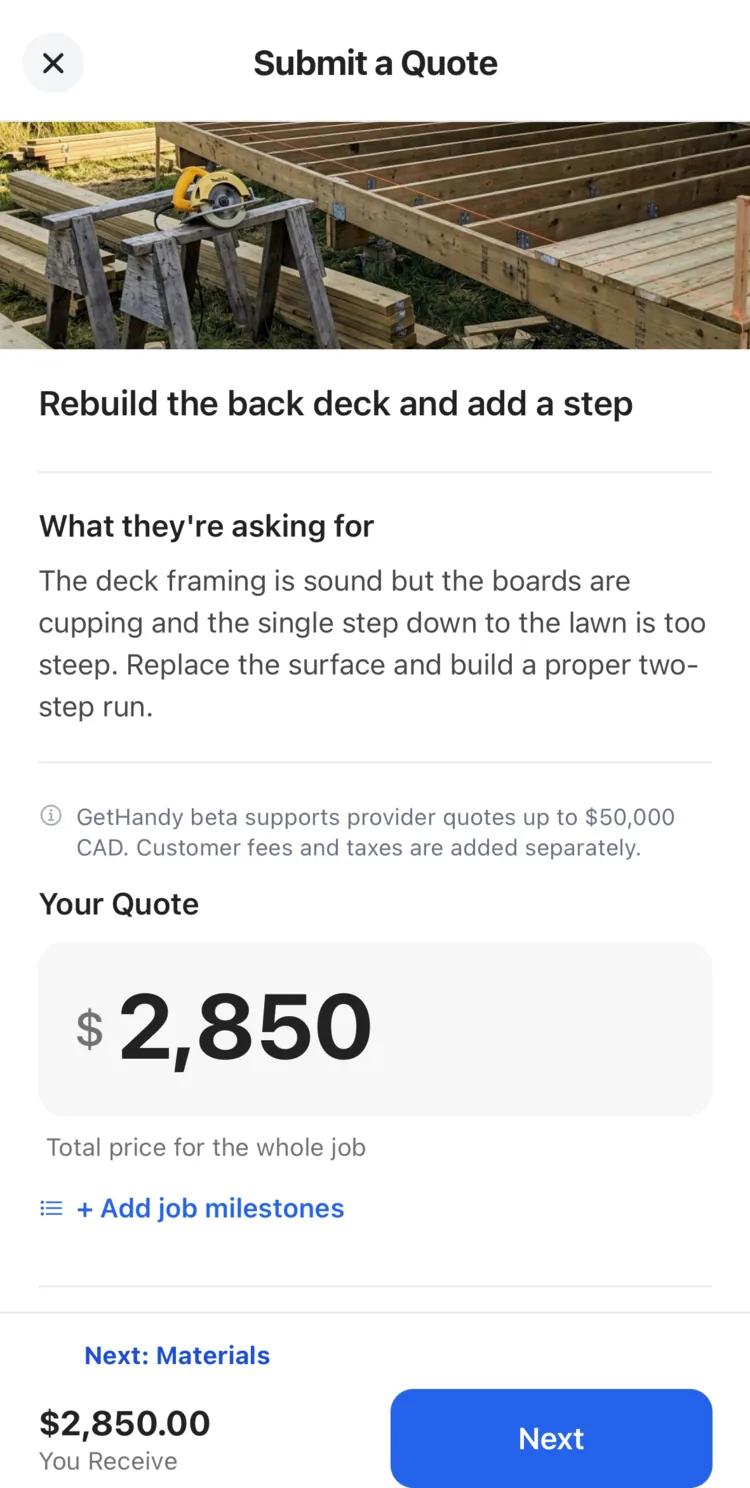
You name the price
One number for the whole job. No hourly rate to justify, and no bidding war.
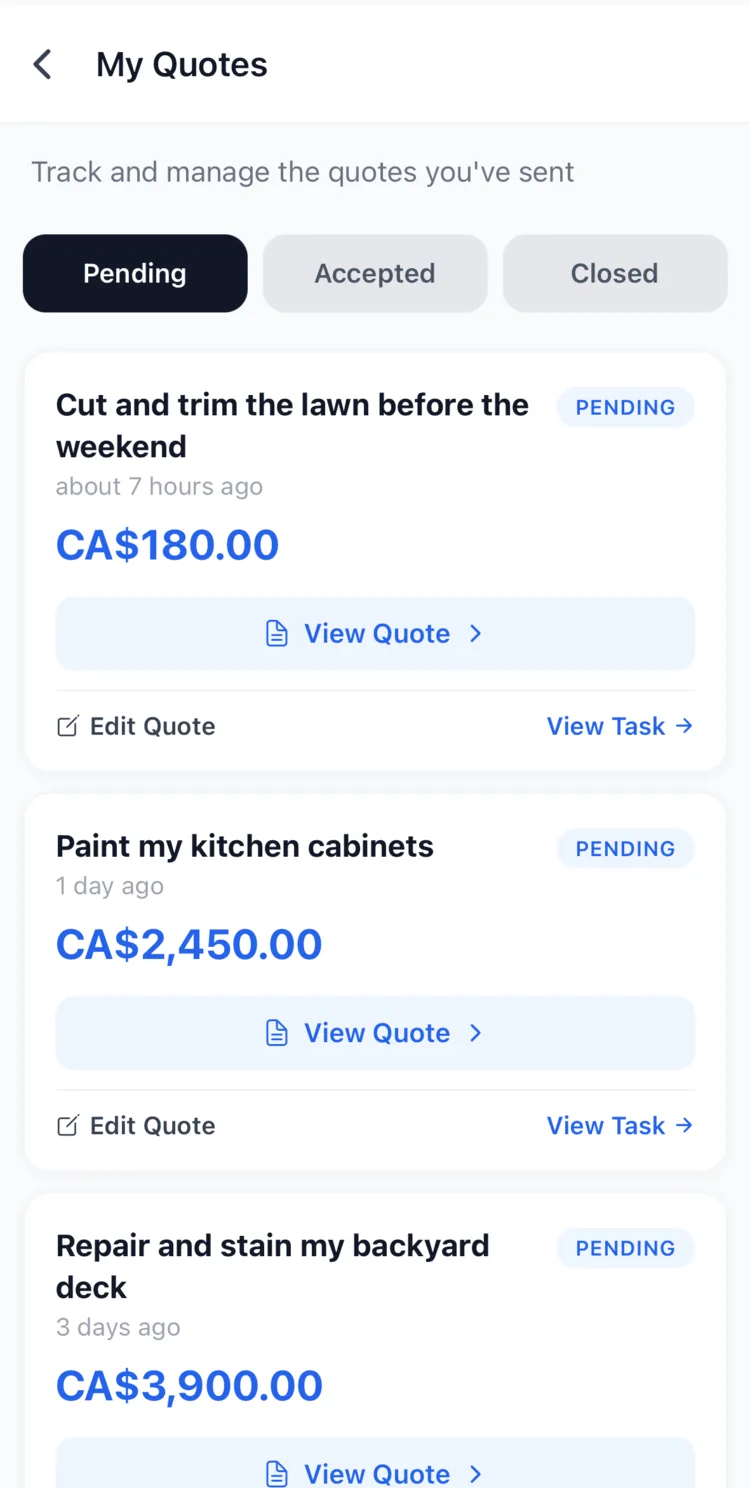
Track what you’ve sent
Every quote you’ve sent — pending, accepted or closed — with the price on each one.
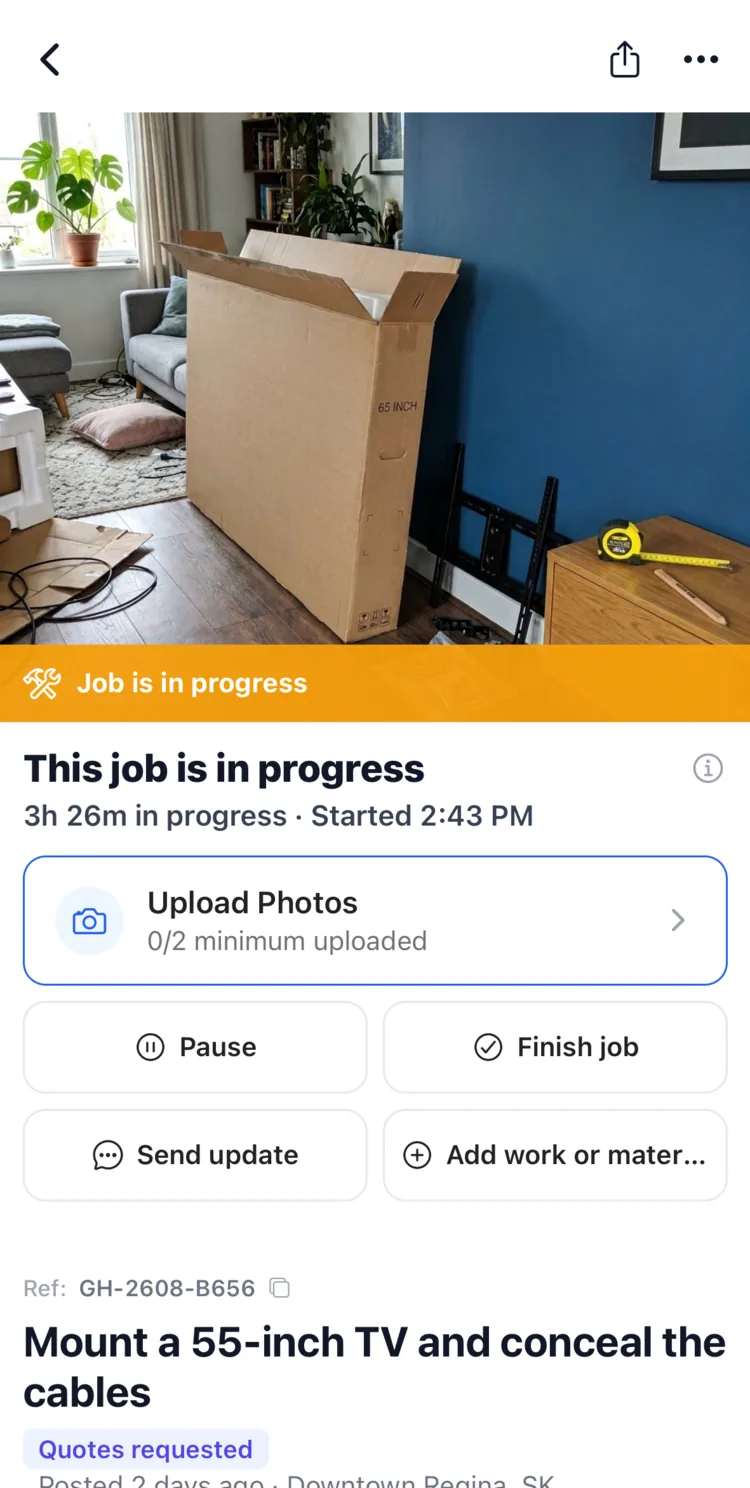
Do the work
Upload photos, send updates, pause or finish — so there’s one record of the job.
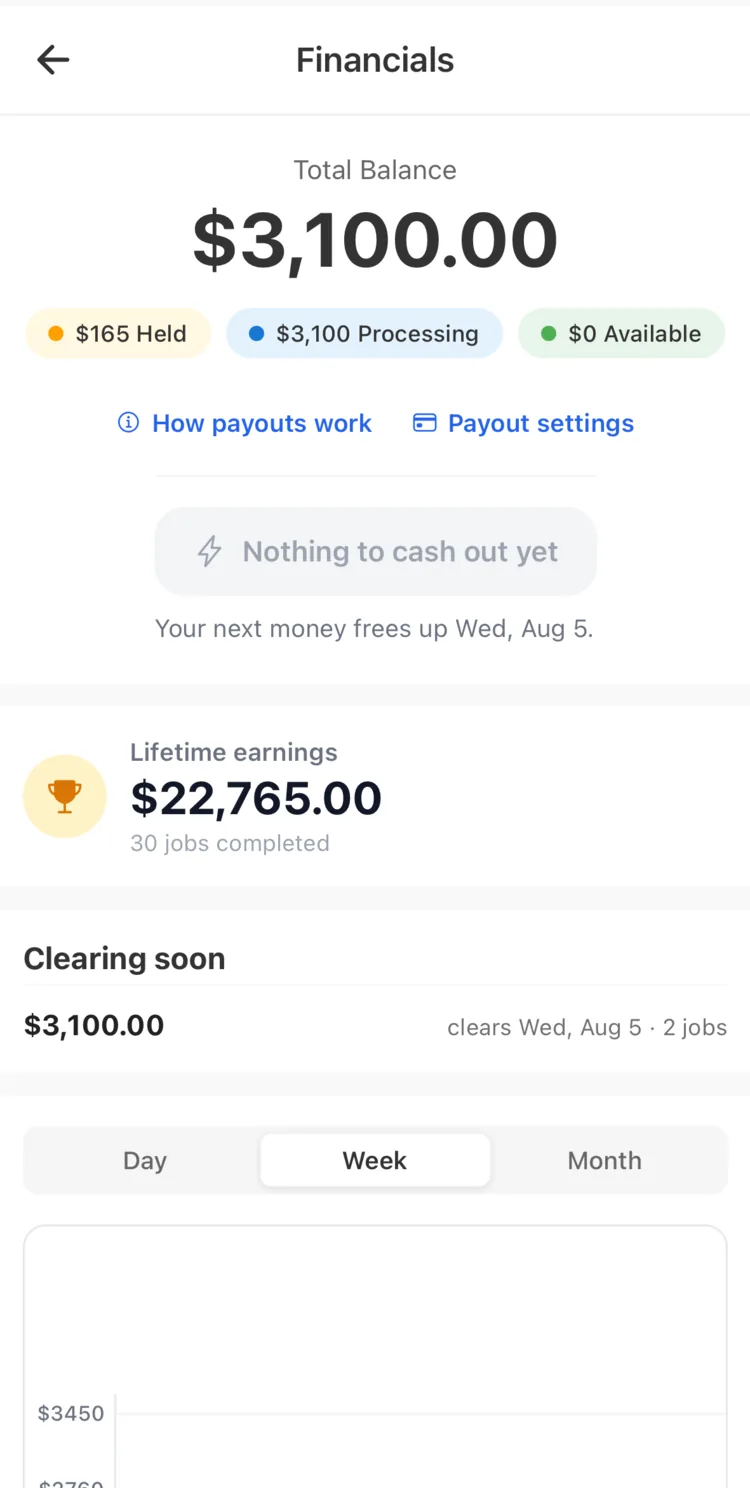
Watch it clear
What’s held, what’s processing, and the date your next payment clears. You keep 100% of your quote.
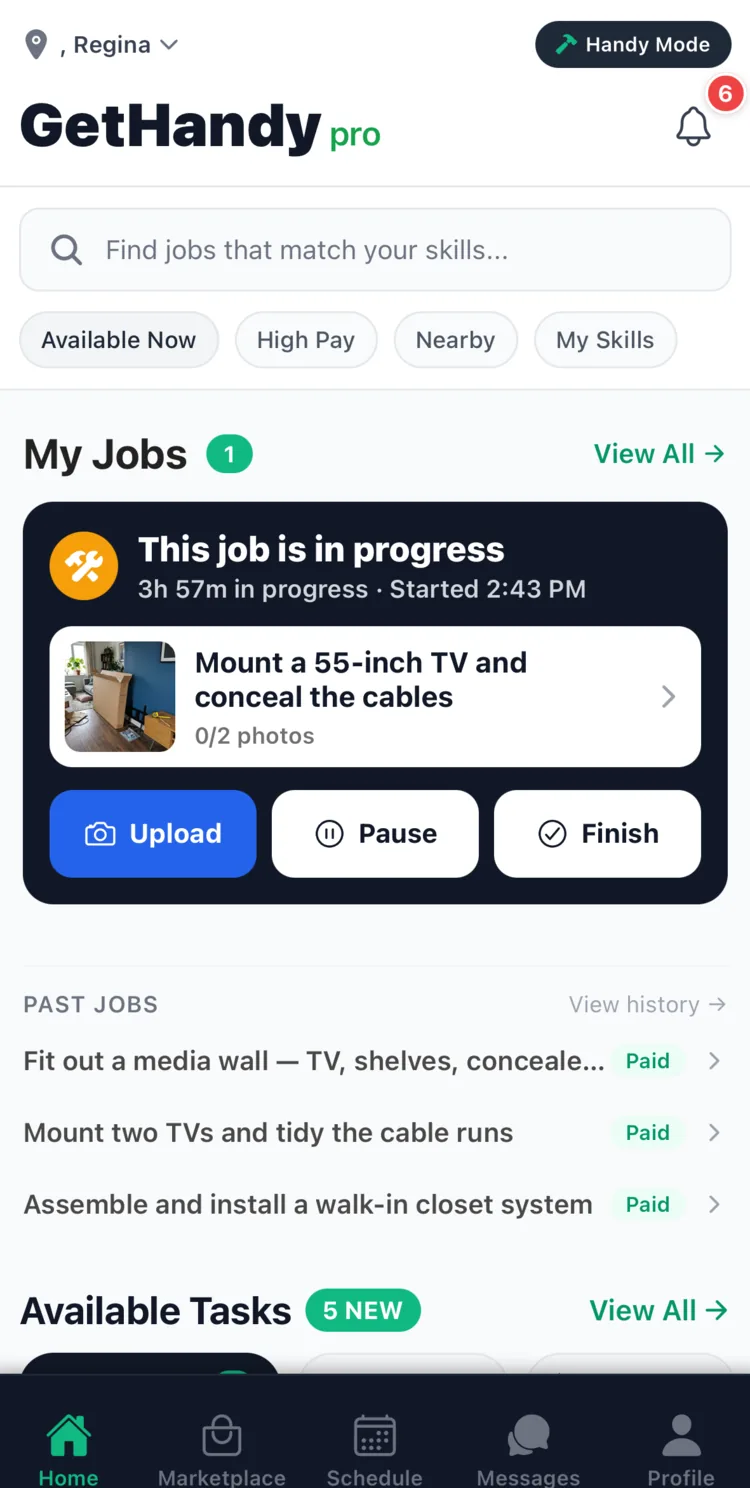
Your day, at a glance
The job you’re on right now, the ones you’ve finished, and new work waiting.
Swipe to see all 7 screens.
Quote. Win. Get paid.
Browse jobs posted near you and send one clear price on your own terms. You keep 100% of it, and it reaches your bank when the customer approves the work.
Sign up to find work